YouTube timestamp generator

YouTube Timestamp Generator

Turn any public YouTube video or local upload into clean, ready-to-paste chapters with a YouTube chapter generator built for publishing.

01 / Source

Illustrative source preview. Choose a public link or local video to inspect it in this reserved well.

Illustrative source preview

Choose a link or local video to preview it here.

02 / Chapters

Example result

Example only
  1. The hook

  2. Finding the winning idea

  3. Build the visual rhythm

  4. Edit for retention

  5. Final export checklist

Example chapters are illustrative. Analyze a real source to copy or export.

  • Public YouTube links
  • Upload drafts before publishing
  • Copy-ready chapter format

A clearly labelled example

See the publishing asset before you create one

This is an illustrative chapter layout, not a live analysis or a visitor result. Your real source replaces it only after the timestamp job is created and validated.

Example result

Illustrative
  1. Introduction
  2. Build the chapter list
  3. Review before publishing
Example controls stay disabled until a real job is ready.

How it works

A short path from source to description

  1. 01

    Paste or upload

    Paste a public YouTube link or choose an authorized local video to preview it first. Sign in only when you start analysis.

  2. 02

    AI finds topic changes

    A bounded preview or full analysis identifies natural breaks without presenting raw model text as final output.

  3. 03

    Edit and publish

    Review the chapter list, correct details, validate the rules, and copy the publishing format.

01 / PRODUCT DETAIL

Generate Accurate YouTube Timestamps With AI

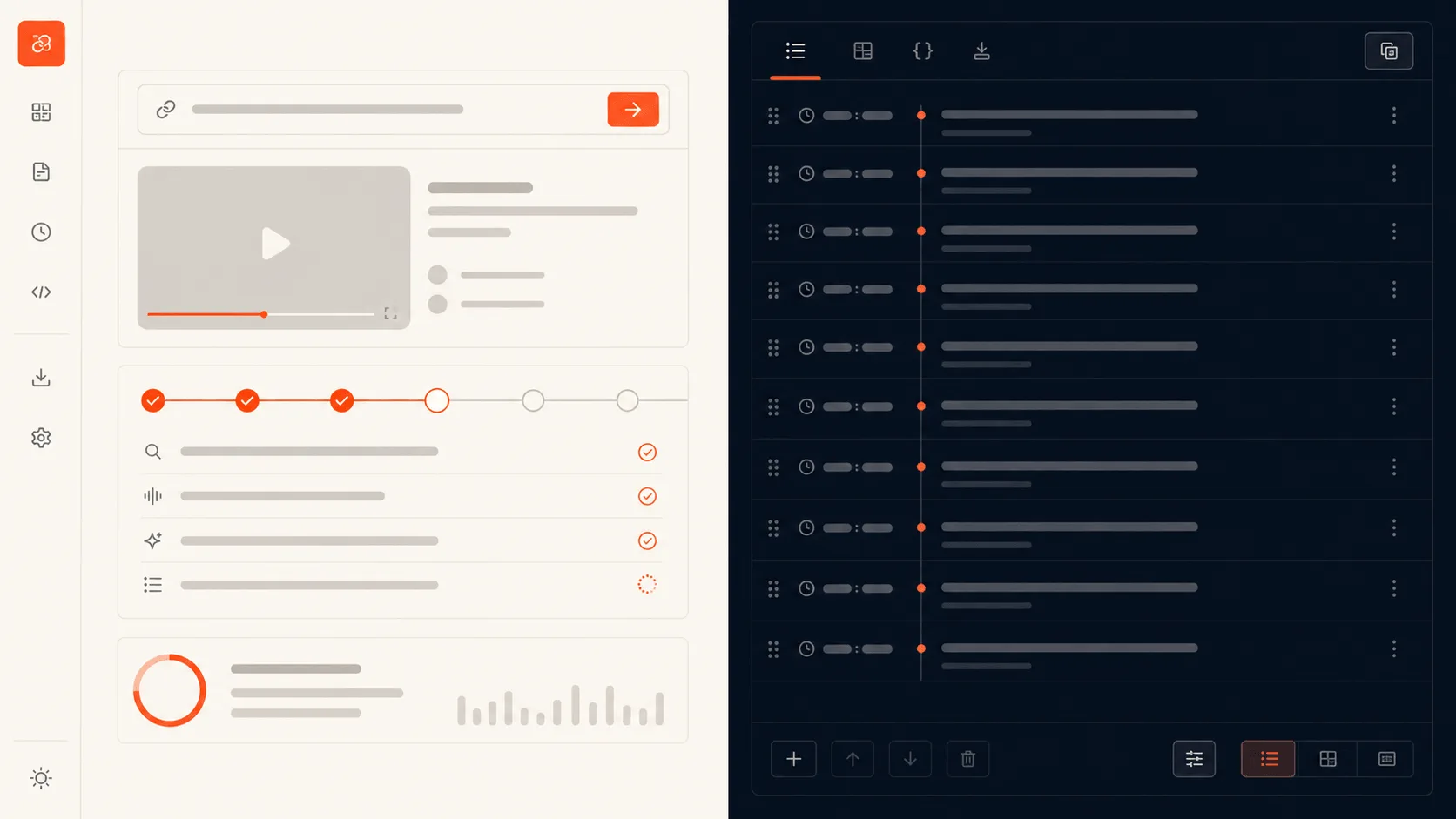
Accurate YouTube timestamps begin with a source the system can actually inspect. Paste a public watch link, short link, or Short, and the generator validates the address before creating a job. For draft videos, sign in and upload a supported format privately. The analysis does not turn a vague transcript into a chapter list in the browser. It records the source type, trusted duration, processing coverage, and validation outcome so the result stays connected to the work that produced it. That gives creators a practical video timestamp generator: a clear task state while the job runs, useful AI YouTube chapters when it succeeds, and a specific next step when a source cannot be processed.

  • Accepts public YouTube links and local drafts
  • Shows source validation and processing state in the tool
  • Keeps provider details and private media out of the browser
Analyze video
YouTube timestamp generator showing a public-link field and chapter timeline

02 / PRODUCT DETAIL

Create YouTube Chapters From Long Videos

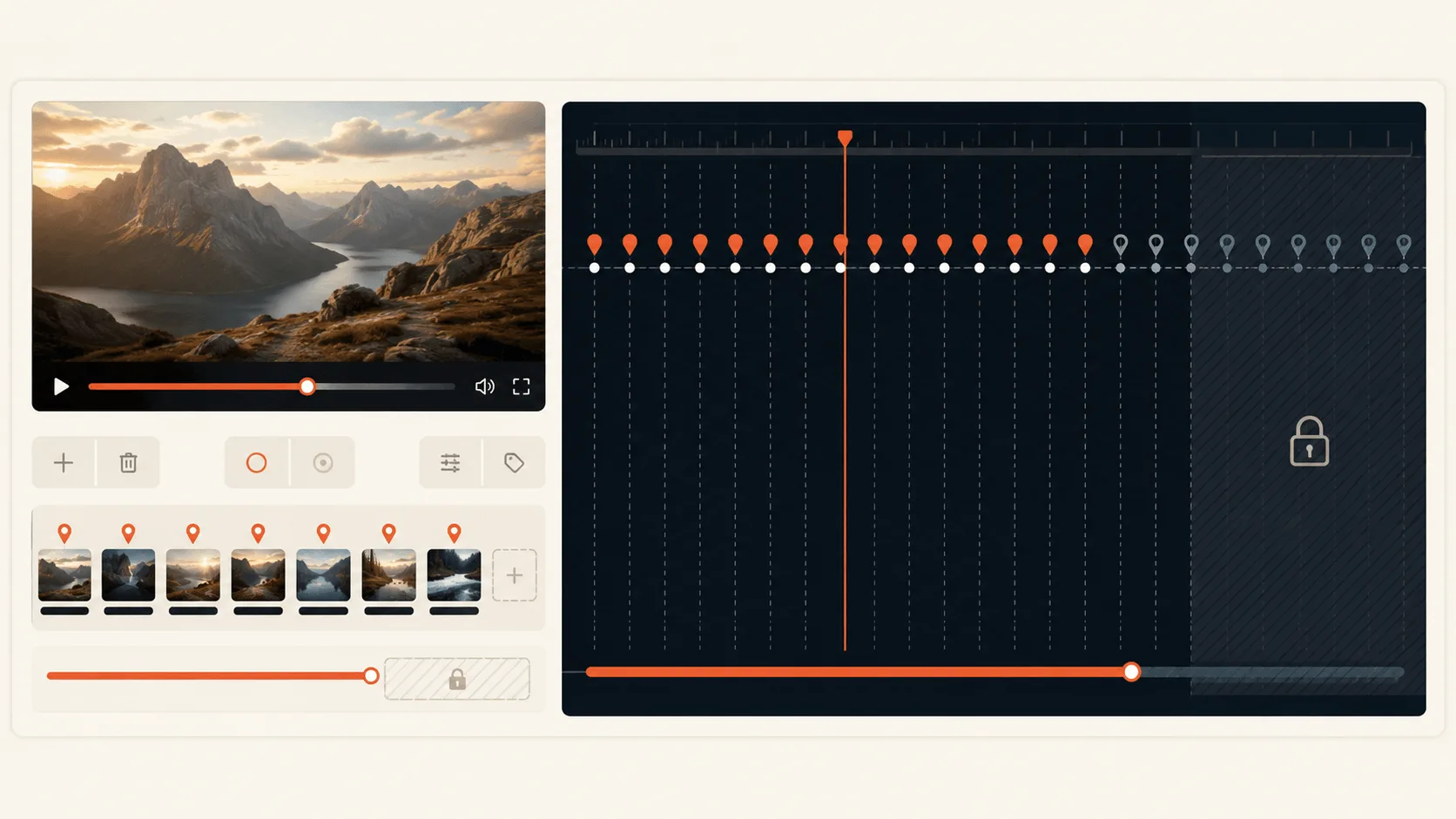
Long videos need more than a few guessed timestamps. The generator calculates the trusted duration first, then makes the free preview boundary visible instead of quietly pretending that the entire video has been analyzed. New users can see chapters for the eligible opening coverage, while the unprocessed remainder stays visibly locked until a full job is unlocked. This makes automatic chapter generation easier to trust on tutorials, podcasts, product demos, and course lessons where the beginning of a video is not the whole story. Every chapter list preserves its coverage range, so you always know whether you are looking at a preview or a full result. The goal is useful YouTube chapters from long videos, not a misleading promise that a partial analysis is complete.

  • Uses a trusted video duration for coverage and credit accounting
  • Labels the free opening preview and locked remaining range
  • Starts a full Agentic analysis only after an explicit unlock
Analyze video
Before-and-after view of a long video and generated YouTube chapters

03 / PRODUCT DETAIL

Edit and Validate Every Chapter Before Publishing

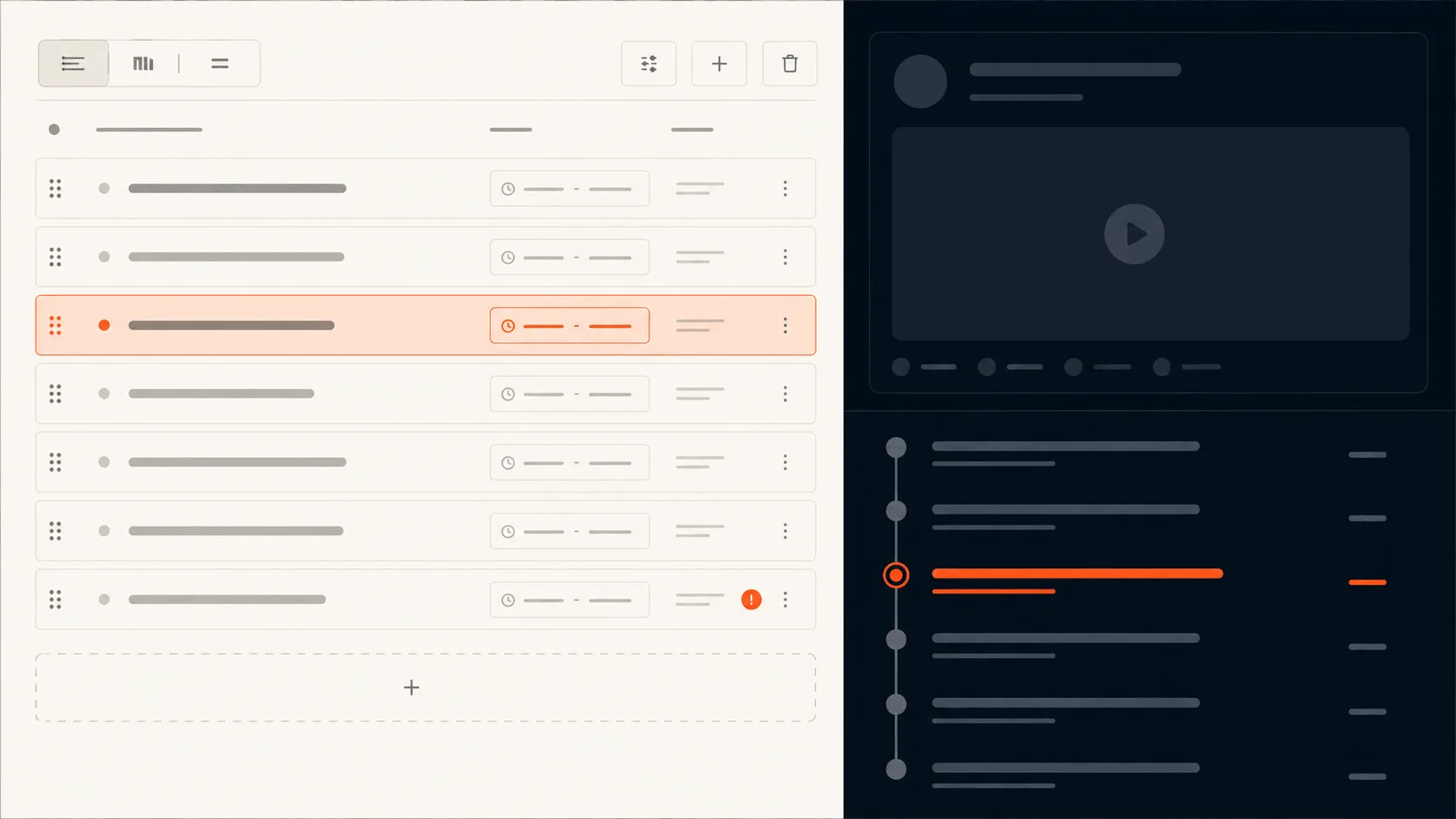
Generated chapters are a draft, not an automatic publishing action. Open the editor to add, reorder, merge, remove, and retitle entries while previewing the available source. The chapter validator checks the conditions YouTube expects: the first entry begins at 00:00, there are at least three meaningful chapters, starts are strictly increasing, adjacent chapters have enough space, and titles are clean for a public description. Field-level feedback stays next to the edit that needs attention, while the overall status tells you whether the list is Ready for YouTube. This is where an AI suggestion becomes a reliable YouTube chapter format: the tool applies YouTube chapter timestamp rules before publishing. You keep control of the wording and timing, and the generator keeps the mechanical publishing rules from becoming a last-minute surprise.

  • Edit timestamps and titles with immediate validation feedback
  • Merge, delete, insert, and reorder chapters before export
  • Checks zero start, order, spacing, and chapter count
Analyze video
Timestamp editor with chapter fields and YouTube validation feedback

04 / PRODUCT DETAIL

Copy Timestamps Into Your YouTube Description

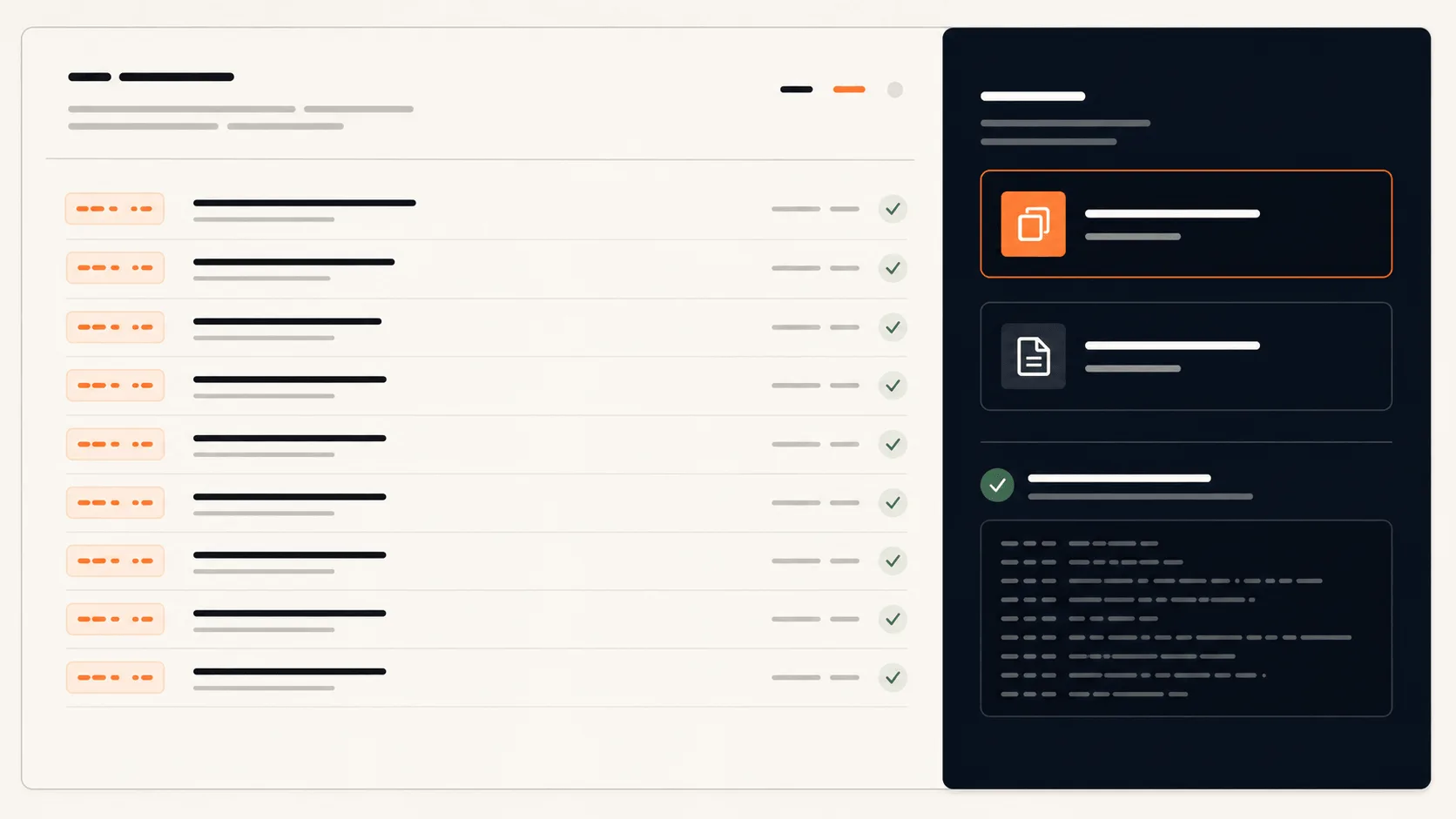
When a real timestamp job passes validation, the final step is deliberately simple. Copy for YouTube creates one ready-to-paste timestamp and title per line, so the chapter list belongs in the description rather than in another dashboard. If you need a working document first, Copy Markdown and Download .txt are available from the same validated result. Those actions are not attached to decorative examples, placeholder timelines, or unfinished jobs. They stay disabled until the owner-scoped chapters have passed the same validator used for editing. That boundary matters because ready-to-paste chapters need to be accurate, complete for their stated coverage, and easy to understand at a glance. The result is a practical workflow for YouTube description timestamps that ends with a usable publishing asset, not a simulated success state.

  • Copies the validated YouTube description format
  • Offers Markdown and text-file formats from the same result
  • Never exports illustrative or invalid chapter data
Analyze video
Ready for YouTube result with copy and text export actions

Built for the videos people finish

Useful across creator workflows

Give viewers a clear route through a practical video without retyping every timestamp by hand.

  • Tutorials
  • Podcasts
  • Product demos
  • Course lessons

Start with a bounded preview

Try the first 10 minutes, then choose your pace

New accounts receive up to 10 minutes of eligible preview coverage. Choose monthly processing time for steady publishing or yearly billing for the strongest value. Full details, limits, and billing terms live on the pricing page.

  • Free preview · first 10 min
  • Monthly · recurring video time
  • Yearly · monthly grants, billed annually
View Pricing

Straight answers

Questions creators ask before they generate chapters

YouTube timestamp generator

Turn your next video into chapters

Start with a public YouTube link or an authorized local draft, then leave with a chapter list you can review and publish.